Authentication

- Author
- by Admin User
- 8 days ago
NextRock is split into 3 sections: Marketing, App and Admin.
Marketing Pages
Anonymous users can browse these pages: Landing, pricing, contact, blog, docs...
Authentication Settings
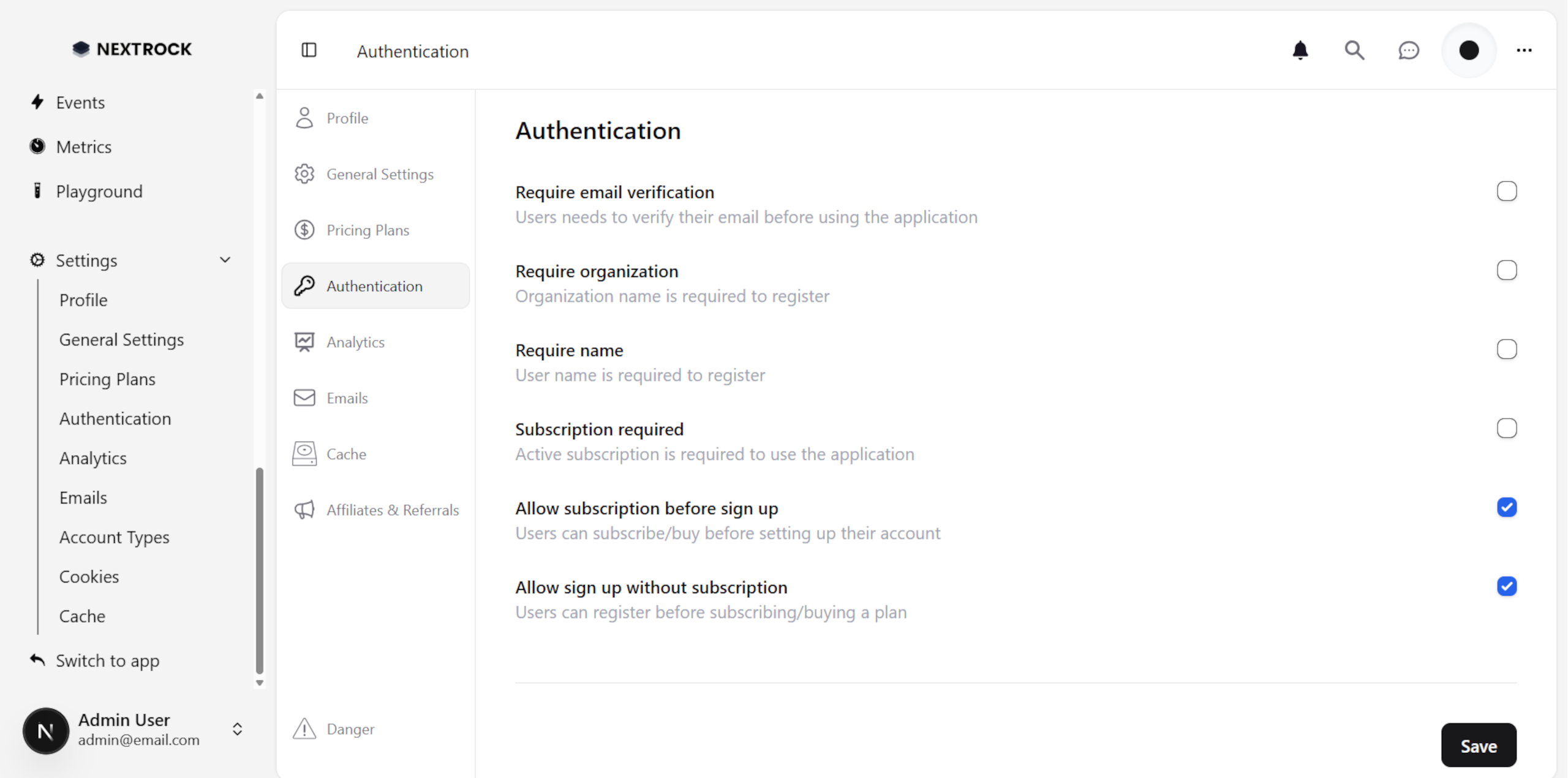
You can update your authentication configuration at /admin/settings/authentication.
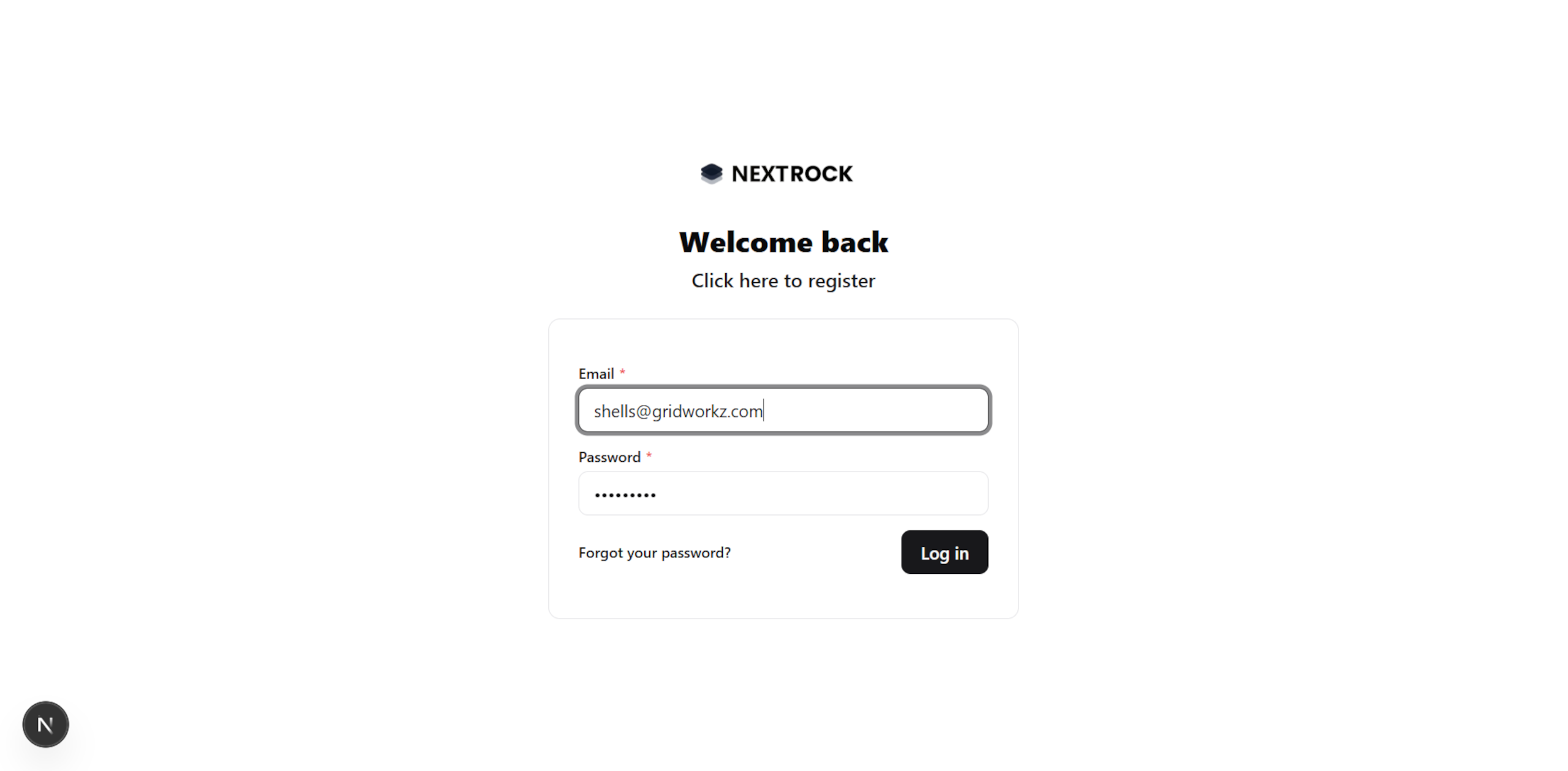
Login
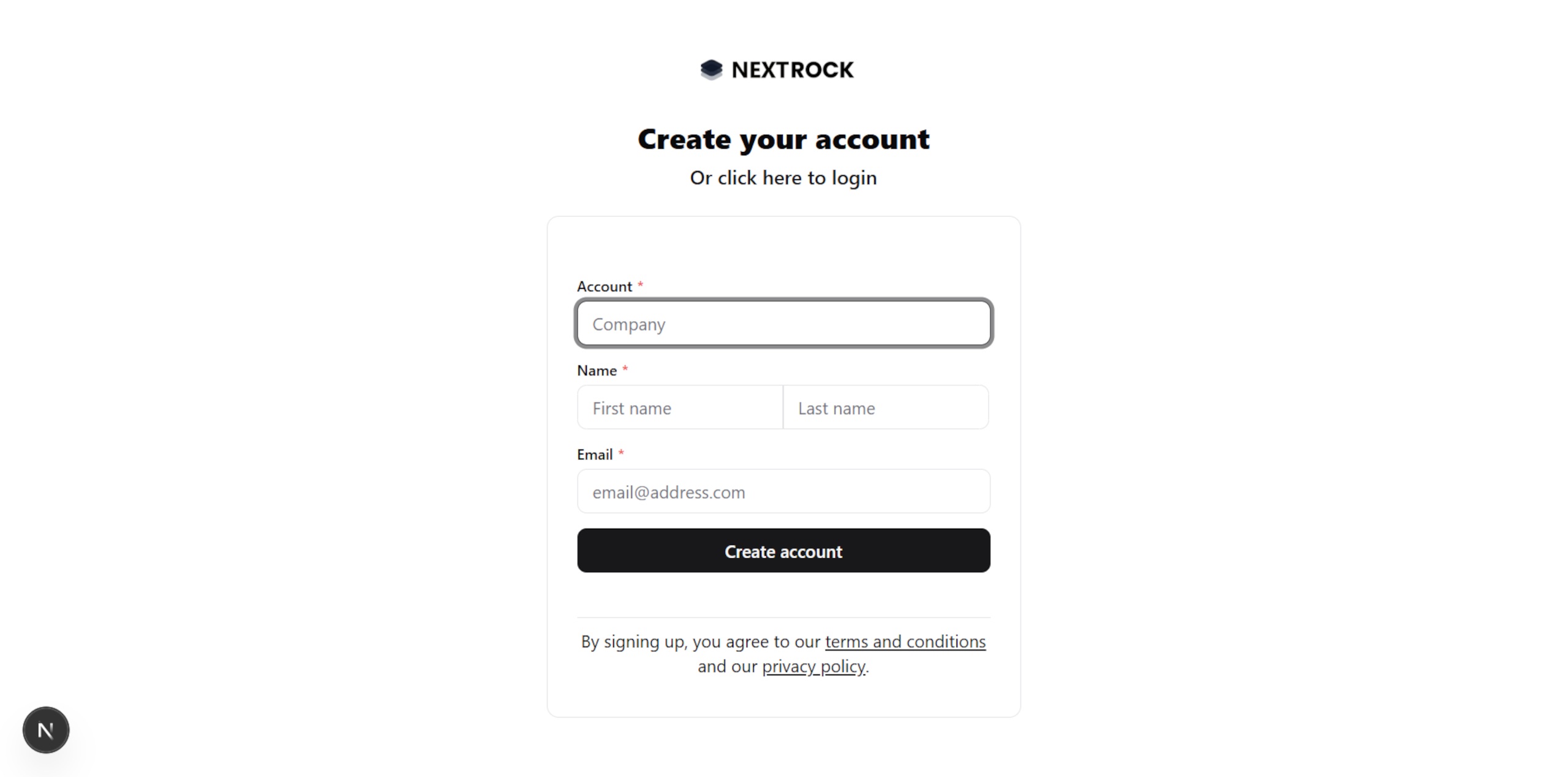
Register
To sign up, a user must fill in the following fields:
Email
Password
Account/Company name (optional)
First name and Last name (optional)
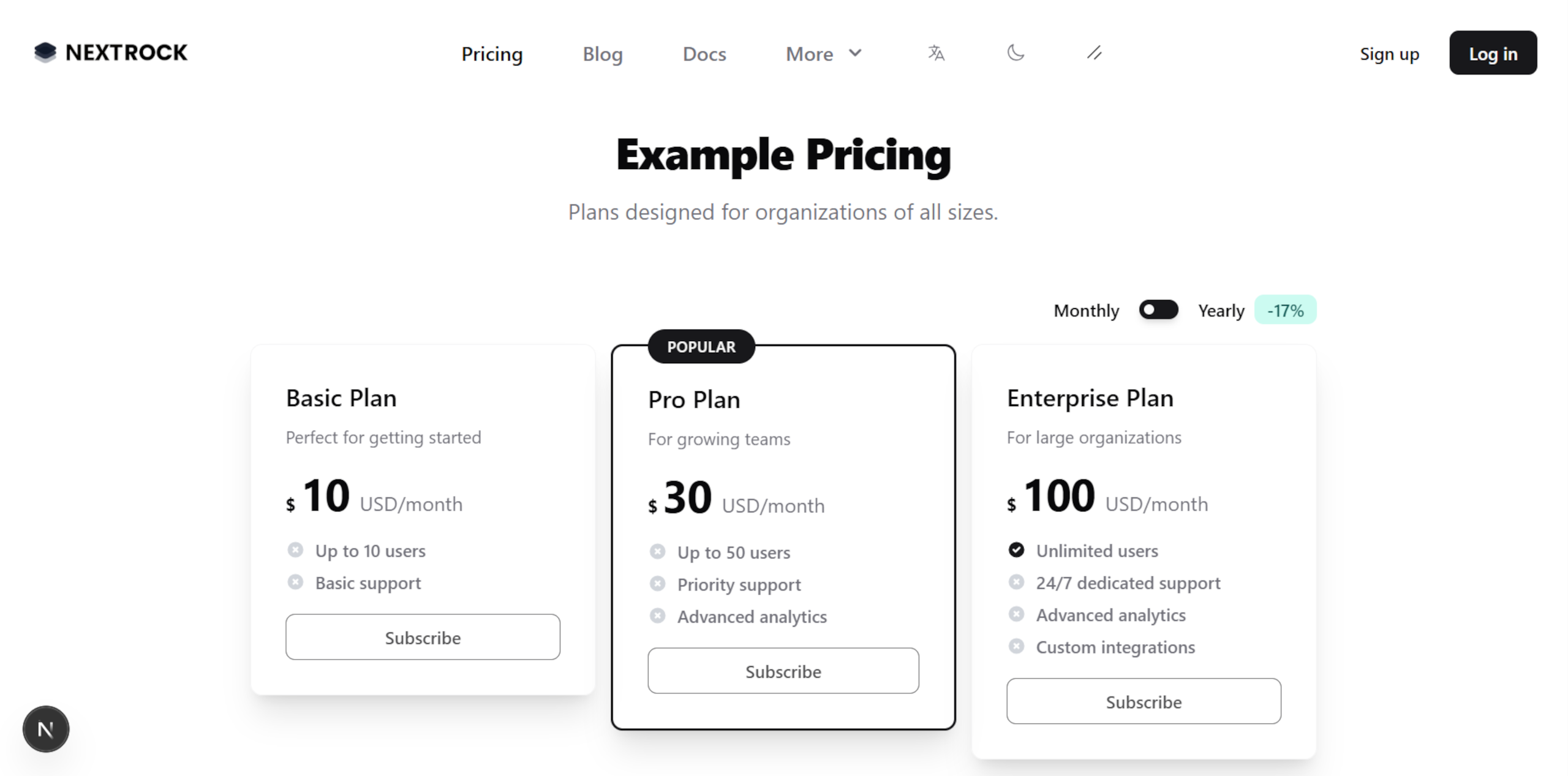
But a user can also sign up at the Pricing page, depending on your configuration:
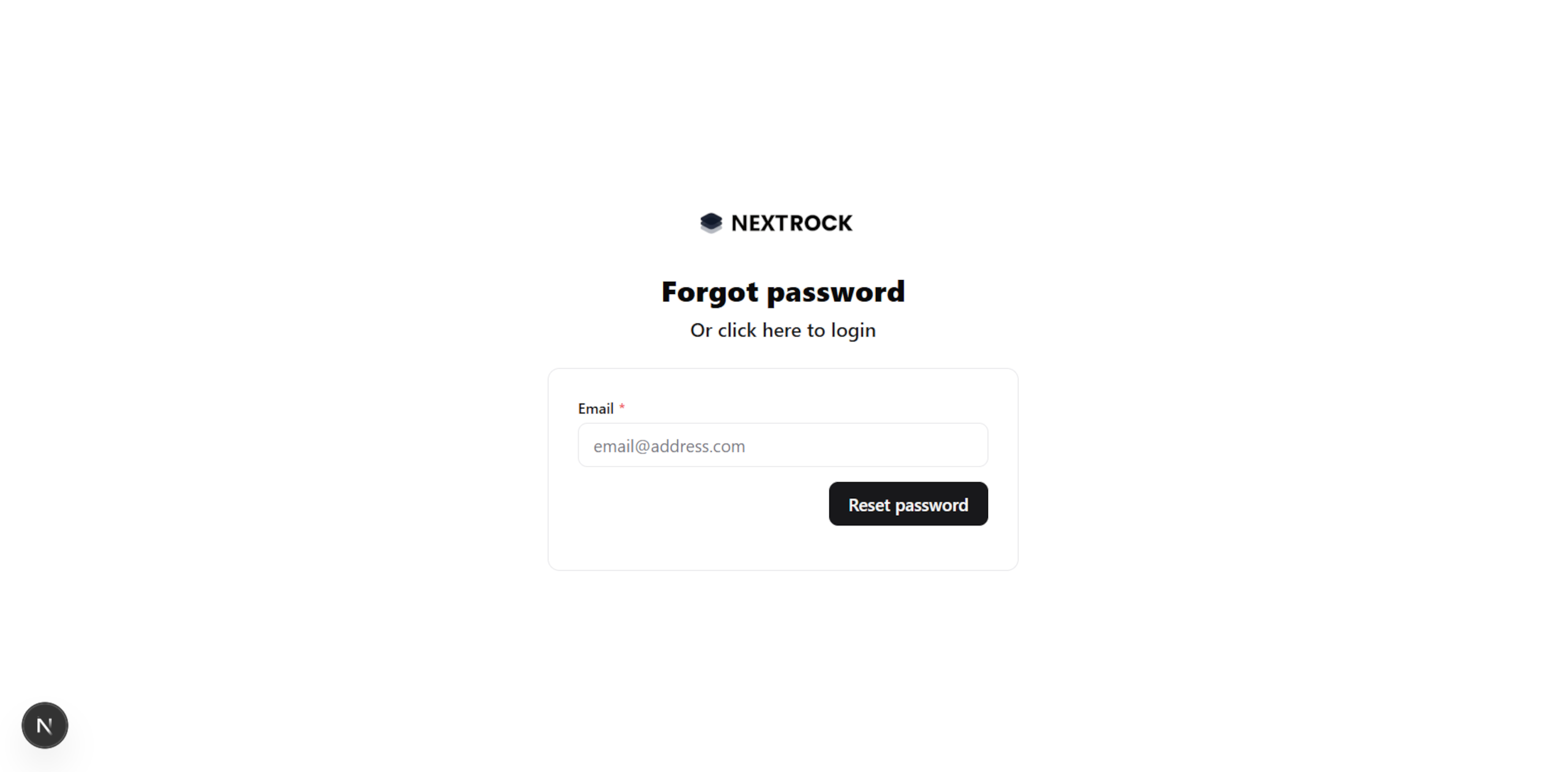
Forgot Password
An email is sent with a link to reset the password - only if the user already exists.
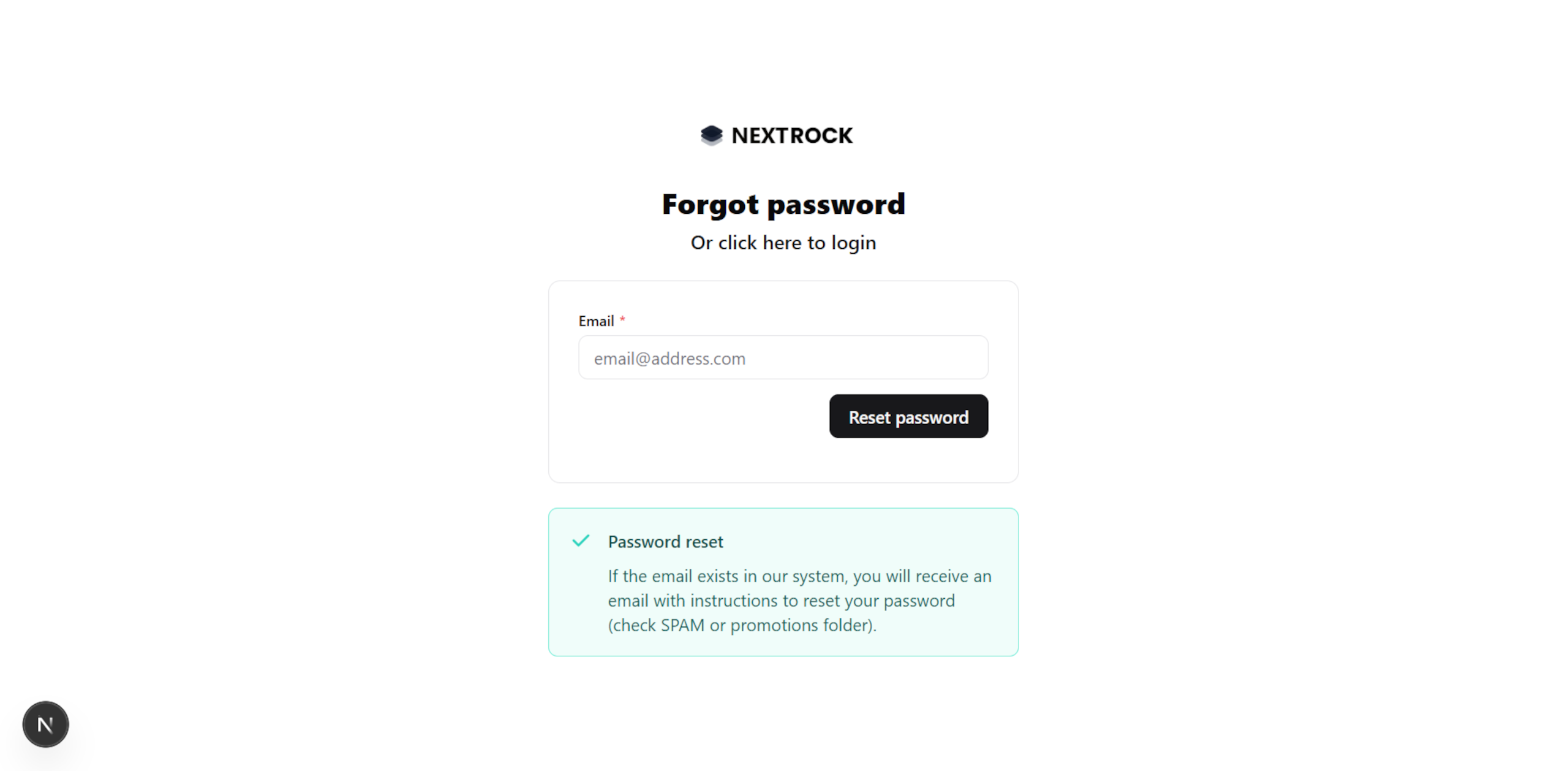
Reset password
A token is provided via the Forgot password page to reset it.
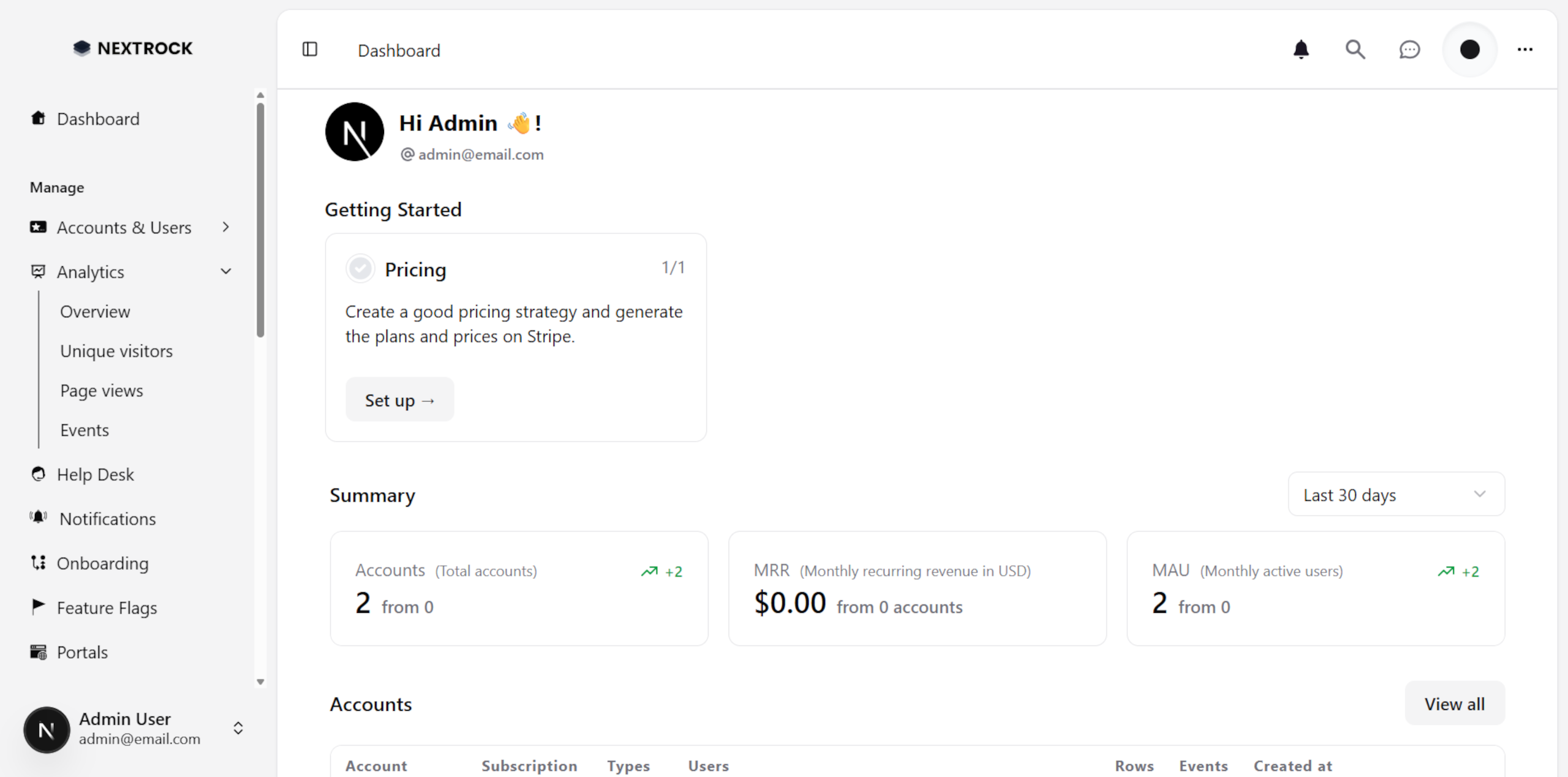
Admin Pages
Once logged in, if the user is an Admin, they can browse the /admin pages.
To learn more about the admin dashboard, click here.
App Pages
But if it's a normal user (or customer), they're redirected to their slug at /app/:tenant.
To learn more about the app dashboard, click here.
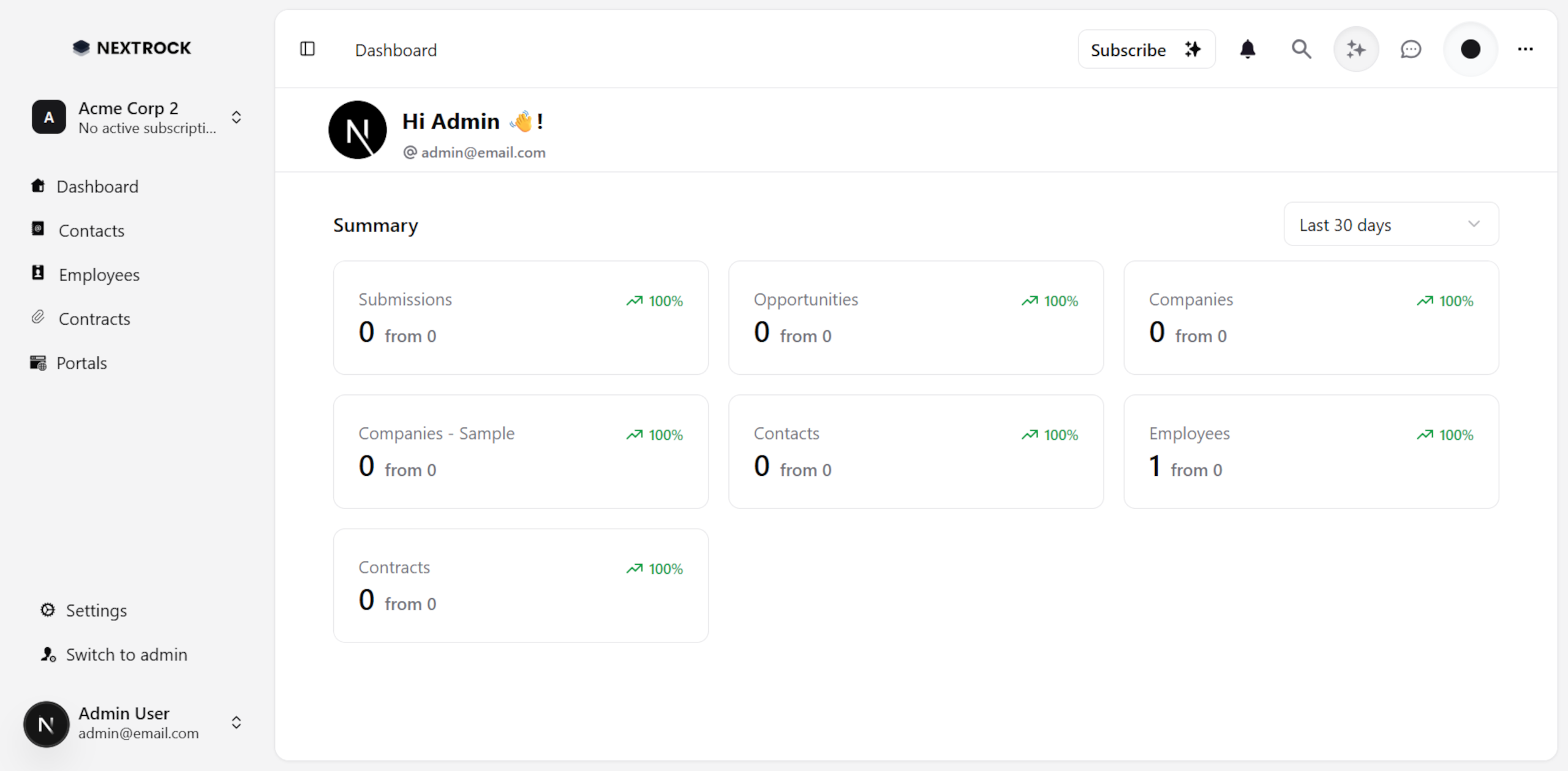
And users can belong to many tenants:
