Subscriptions
Supported pricing models: Flat-rate, Per-seat, Usage-based and One-time payments.

- Author
- by Admin User
- 8 days ago
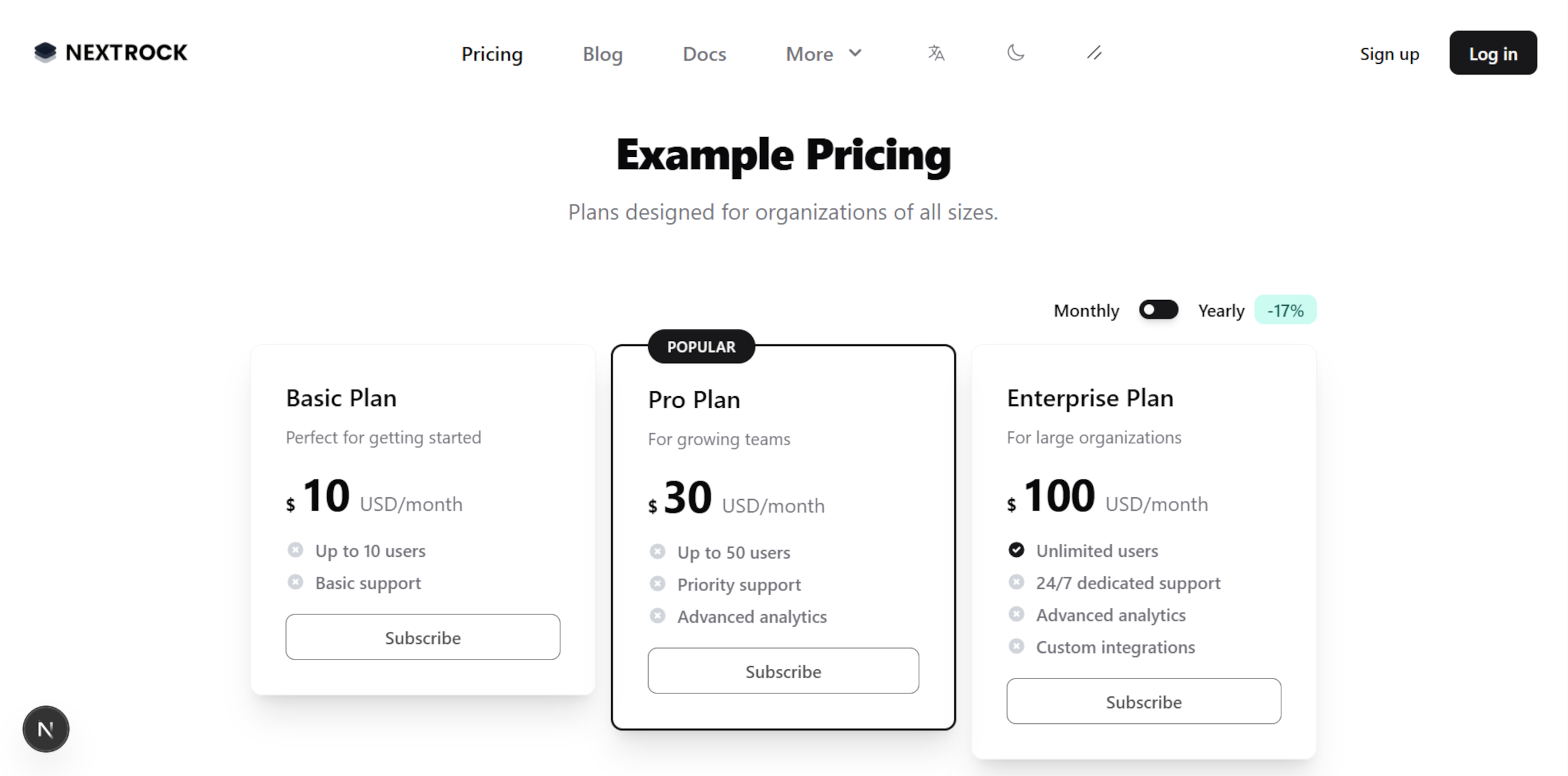
NextRock supports every type of pricing model, so you can create any type of SaaS app.
Supported SaaS Pricing Models
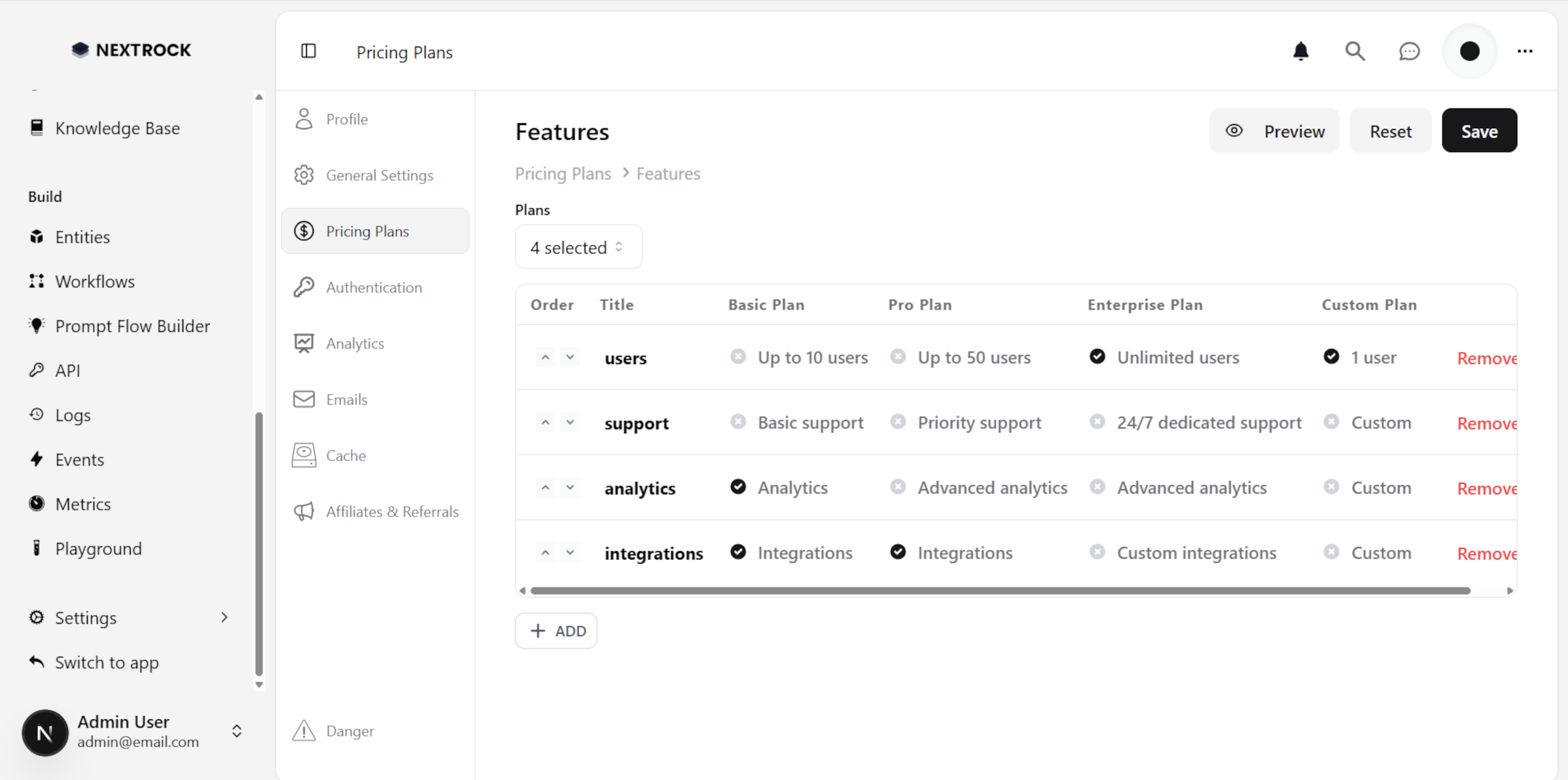
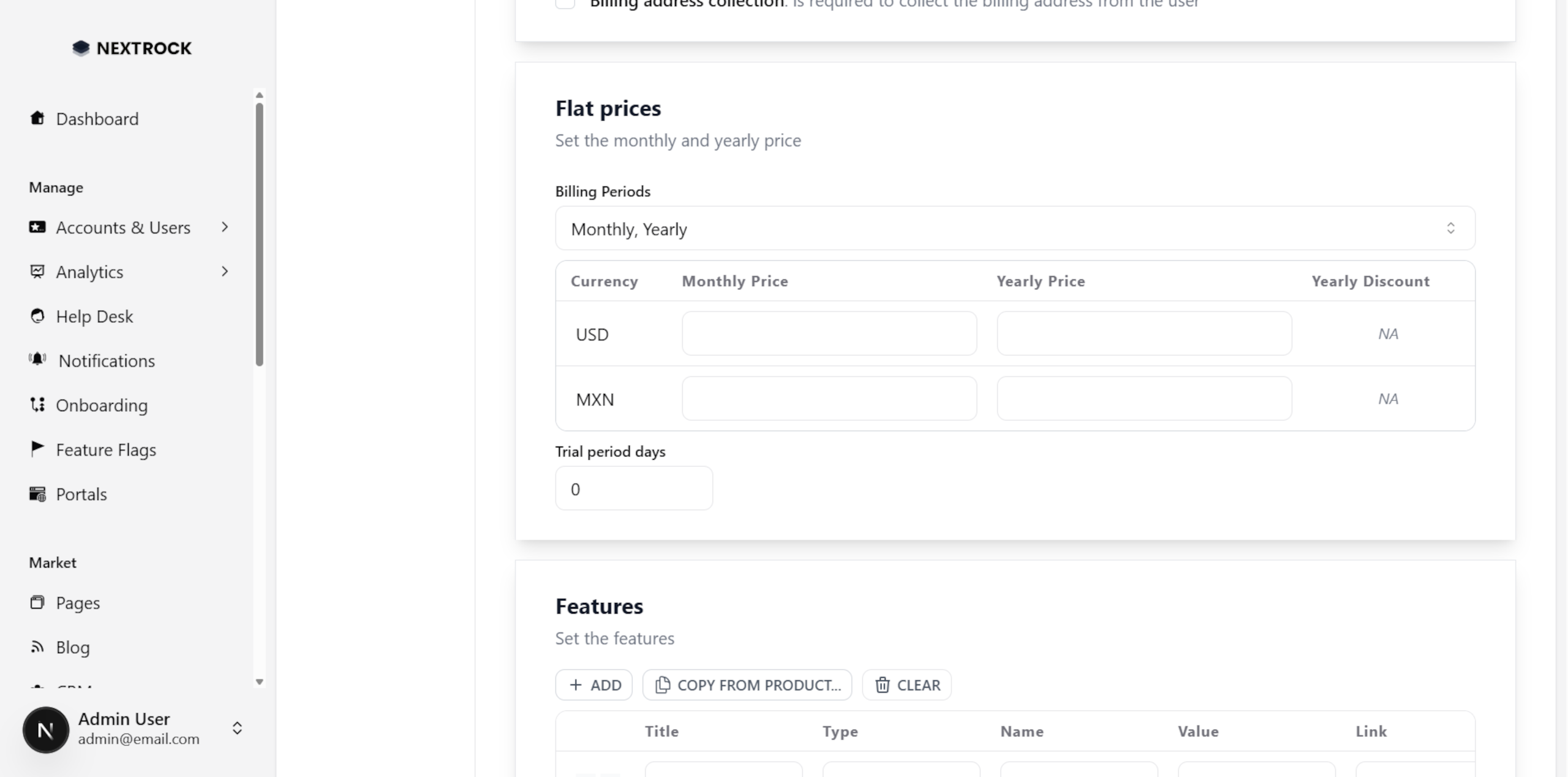
For Flat-rate and Per-seat, you can select 1 or more recurrences: Monthly, Yearly, Quarterly, and/or Semi-Anually.
Subscription Feature Limits
You can use Feature limits to enable certain features for your Pro users.
For example, you can create the following feature limits:
Monthly (e.g. 10 employees/month)
Max (e.g. 100 employees)
Not included (e.g. priority support)
Included (e.g. integrate with Google Sheets)
Unlimited (e.g. unlimited employees)
Pages
Pricing
Select currency and billing period.
My Subscription
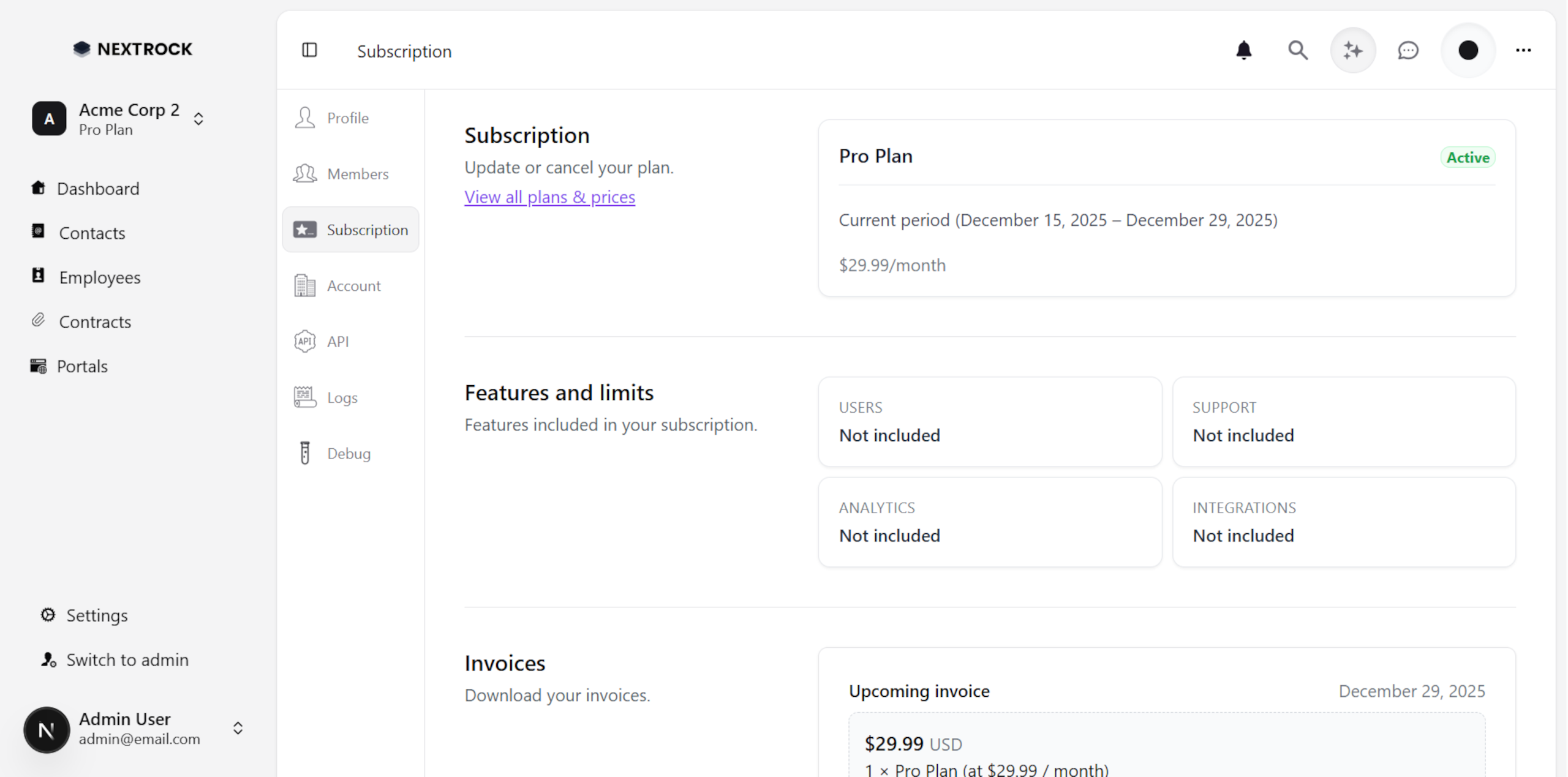
Users can see or cancel their current subscription, view their limits and update their billing information.
Subscription Plans
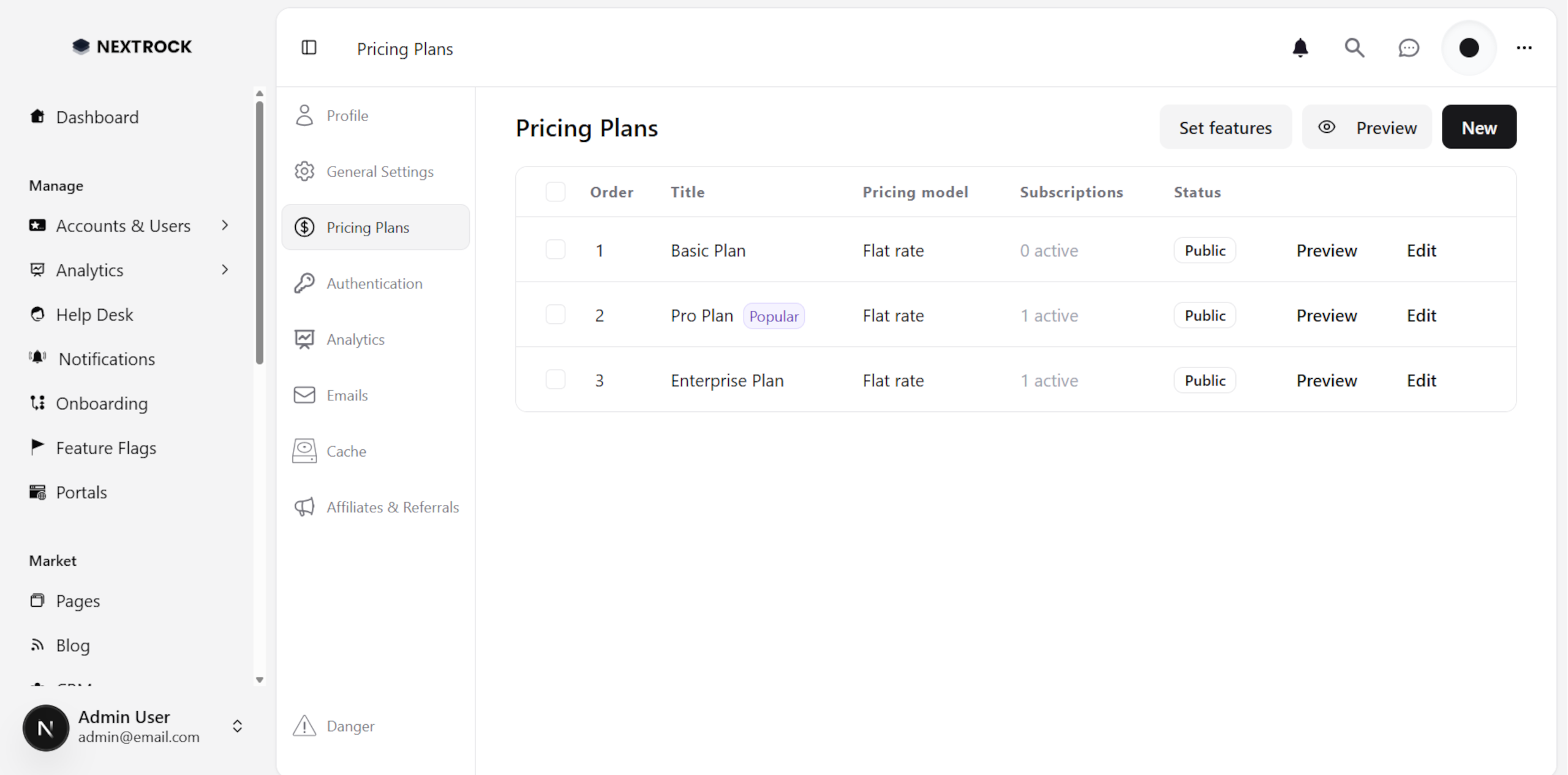
As an admin, you can manage your subscription plans at /admin/settings/pricing.
Creating a Subscription Plan
When setting up a new plan, you need a few basic information:
Details: Title, Description, Badge (i.e. recommended?)
Prices: Per recurrence (monthly? usage-based?)
Features: How many users? How many X rows? Priority support?
Bulk Plans Features Update
If you have many subscription features, just like nextrock.saashq.org, there's a helper screen to create/update/delete your features, all in one place for the selected plans.